Module · Tax and documents
Driver and courier invoices checked by AI before they reach your books
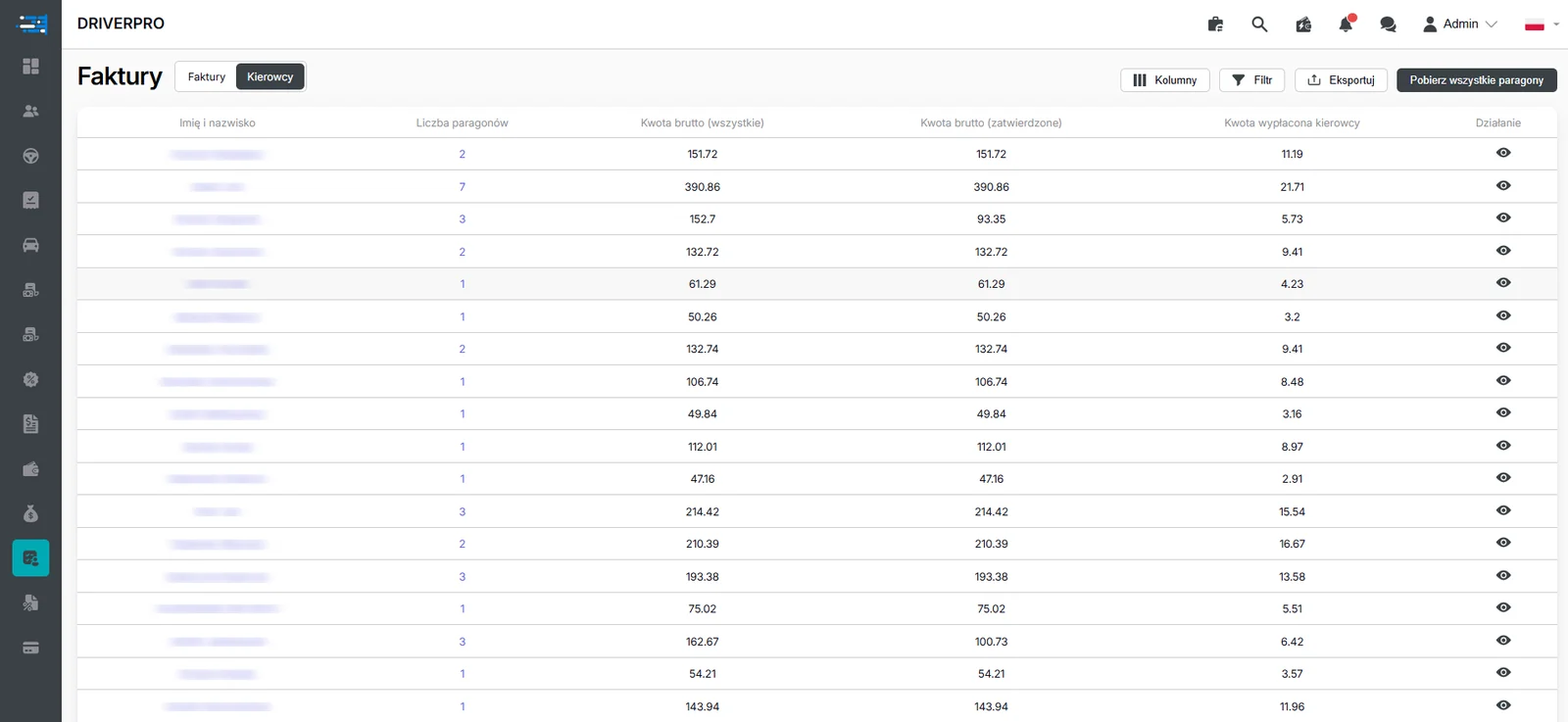
Invoices from drivers arrive from every direction today: by email, by messenger, as a photo taken against the light. The module collects them in one place, and artificial intelligence checks in KSeF, Poland's national e-invoicing system, whether the document exists at all and whether it was issued to your company.
crm.fleetsoft.pl
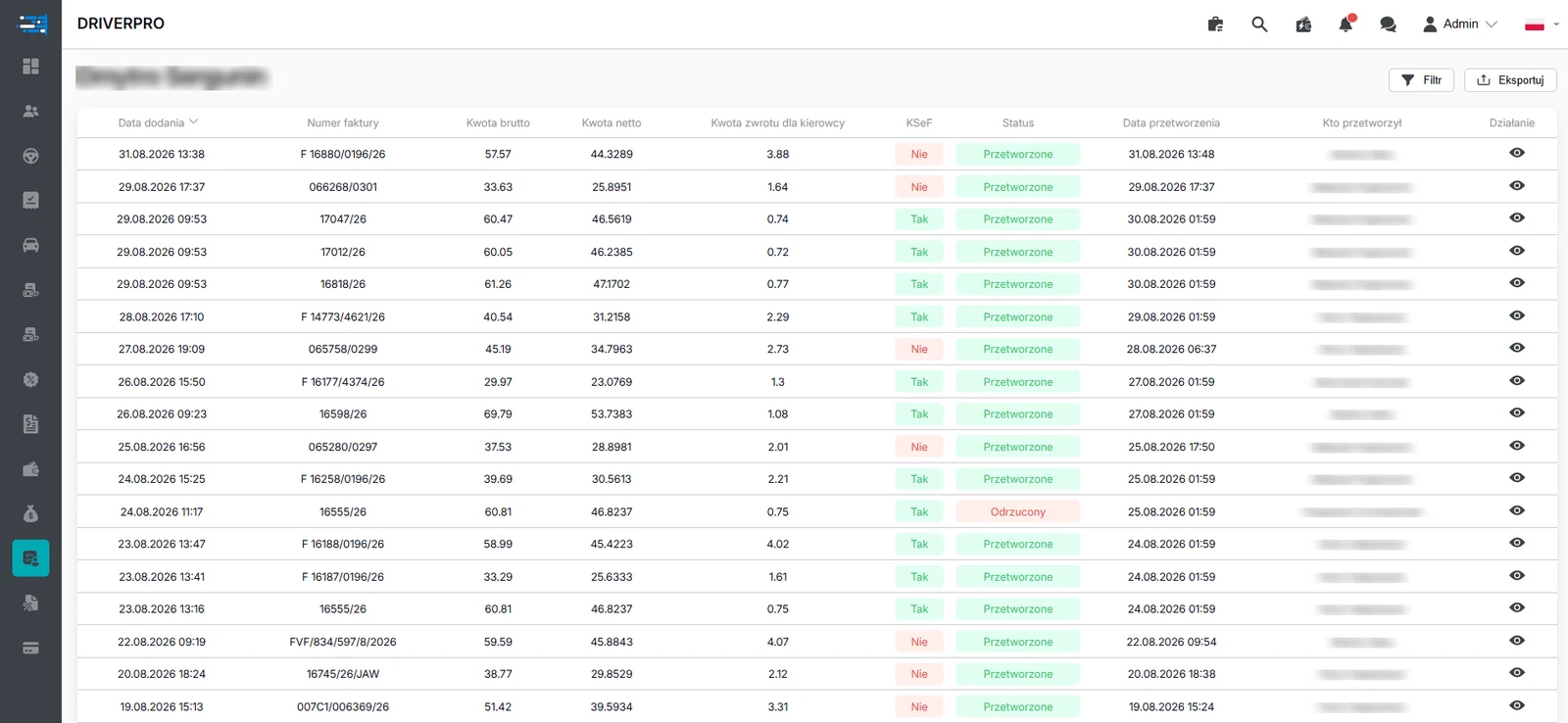
A driver’s invoices: gross and net amounts, driver refund, KSeF presence and verification status. Personal data hidden.
Why invoice flow in a fleet falls apart
The more drivers and couriers you have, the less this looks like document flow and the more it looks like collecting scraps of paper. Invoices come in through different channels at different points in the month. Sometimes the same document arrives twice, sometimes it is issued to the wrong entity, sometimes the amount does not match what was agreed.
Bookkeeping catches this by hand, document by document. Every error that slips through comes back later as a correction, usually at the worst possible moment — when the period is being closed. And the bigger the fleet, the less realistic it becomes for one person to check everything by eye.
The module moves that flow into one place. Drivers and couriers send their invoices straight to the fleet, documents are received centrally, processed and passed on to bookkeeping. Before any of them moves on, though, it goes through an automatic check.
Cost reimbursement and receipt scanning
The fleet sets the reimbursement rules, and the system only applies them consistently. From the accepted invoices it works out what is due to a driver or courier, and it does it the same way for everyone. Manual arithmetic disappears, and so does the argument about why one person was reimbursed differently from another.
Not every cost comes with an invoice, though. Drivers refuel or buy a part, photograph the receipt with a phone, and that is where their job ends. An integrated neural network reads the gross amount from the receipt and the entry lands in the cost records. No retyping figures, no collecting slips of paper until the end of the month.
For the fleet the effect is practical: costs that used to disappear into a glovebox are documented and counted. Complete records make better material for further settlements and for the work on the tax base carried out by your own bookkeeping.
Frequently asked questions
Does the system check invoices directly in KSeF?–
Yes. AI verifies that the document is present in KSeF, then establishes whether the invoice was issued to your company and compares the amounts and the correctness of the remaining data.
What happens if a driver sends the same invoice twice?+
The duplicate is detected and flagged. Only correct documents enter the records, so the same cost is not counted twice.
How does the system calculate a driver's cost reimbursement?+
From accepted and verified invoices, according to the rules set in your company. The fleet defines the rules and the system applies them automatically to every settlement.
Does the driver have to retype amounts from a receipt?+
No. It is enough to photograph the fuel or parts receipt in the mobile app. The neural network reads the gross amount and passes it to the cost records.
Does the module replace the fleet's bookkeeping?+
No. The module organises how documents are received and verified and prepares data for posting. Substantive judgement and tax filings remain with your own bookkeeping.